
What to Check Before Handing Your Old Phone to Someone Else
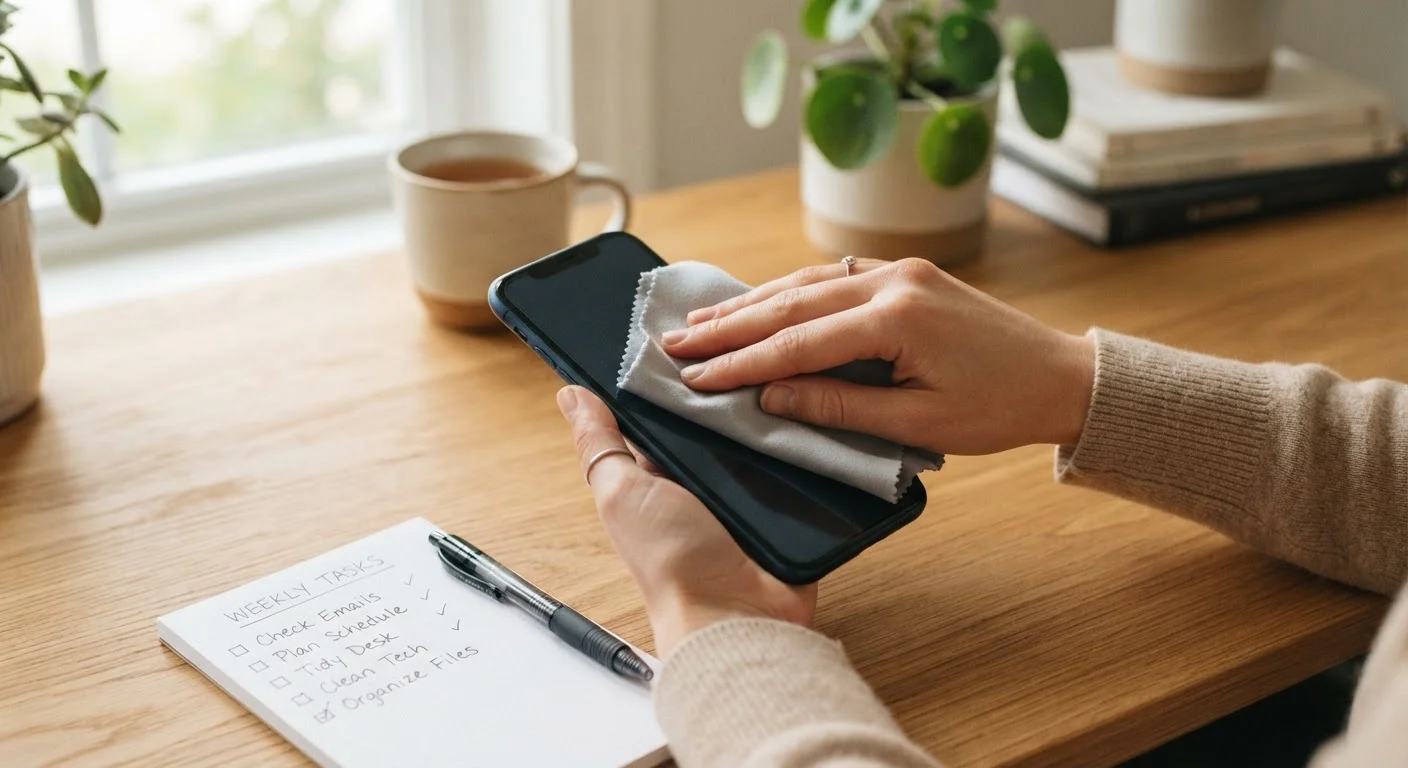
Photo credit: Infolagoon.com | Blogs To Rely On
In this article
Selling, gifting, or recycling an old smartphone? Run through this checklist to protect your data and make the handoff clean.
Key Takeaways
- Back up your data to a new device or cloud storage before wiping the old phone.
- Sign out of every account — including email, app stores, and payment apps — before handing off.
- A factory reset alone may not be enough; disable Find My Device first or the next owner may be locked out.
- Remove your SIM card and any memory card before the phone leaves your hands.
- Check that the phone is paid off and carrier-unlocked if you're selling or giving it to someone on a different network.
Why This Checklist Matters
Most people hand off an old phone the same way they'd pass along a library book — just check that it's there and move on. But a smartphone holds a remarkable amount of personal information: saved passwords, payment details, photos, health data, and login sessions for dozens of apps. Skipping even one step in this checklist can leave that information accessible to whoever picks up the device next.
This guide walks you through every step in plain language, whether you're selling your phone, giving it to a family member, trading it in, or dropping it off at a recycling center. For a deeper look at the settings protecting your information right now, see your smartphone's privacy settings explained.
Don't Reset Before Signing Out
Running a factory reset before signing out of your Apple ID or Google account can leave the phone in an activation-locked state. The next owner will be unable to set up the device without your original login credentials, which makes the phone effectively unusable. Always sign out of the primary account first, then reset.
Tools You'll Need
You don't need anything technical to work through this checklist. Gather these basics before you start:
Your new phone or computer
Used to receive the backup of your photos, contacts, and any app data before the old phone is wiped.
Cloud storage account
Provides a secondary backup location for photos and files independent of any single device.
SIM card removal tool or small paperclip
Needed to eject the SIM card tray on most modern smartphones.
Your carrier's account portal or app
Used to confirm installment payoff status and request a carrier unlock if needed.
Authenticator app on your new device
Required if you use two-factor authentication — transfer or re-register codes before wiping the old phone.
Soft cleaning cloth
A simple courtesy step — wiping down the screen and body before handoff is appreciated, especially when gifting.
The Full Pre-Handoff Checklist
Work through these groups in order — each one builds on the previous step. Skipping ahead can cause problems, particularly if you reset the phone before signing out of your accounts.
Back Up Your Data First
Sign Out of All Accounts
Remove Physical Items
Disable Security Features, Then Factory Reset
Verify Carrier and Payment Status
Authenticator Apps Need Special Attention
If you use a two-factor authentication app to secure your accounts, those codes are tied to your specific device — they do not automatically carry over to a new phone. Before wiping your old phone, make sure you have transferred or re-enrolled every account in your authenticator app on your new device. Losing access to these codes can lock you out of important accounts, including email and banking.
After the Handoff
Once the phone is out of your hands, there are a few loose ends worth tidying. Revoke the device's access from any linked accounts that you can manage from a browser — most major email providers and app platforms let you see a list of devices and remove old ones. If you've moved to a new device already, moving your life from one phone to another covers how to make sure nothing was left behind in the transition.
If you're passing along your old phone to someone who plans to buy a refurbished replacement themselves, point them toward the real trade-offs of buying a refurbished phone so they go in with clear expectations. And if this process got you thinking about your data habits more broadly, the same principles apply to computers — what to check before trusting a computer with your personal data is a useful parallel checklist.

Author
Tech & Gadgets Editorial Team
Tech & Gadgets Editorial Team is the collective byline for our editorial team and contributor network. Articles published under this byline or an editorial pen name are researched, written, and reviewed according to our editorial standards for clarity, consistency, and independence before publication.
View all articles →