
What Happens During a Software Update (and Why Skipping Them Has Consequences)
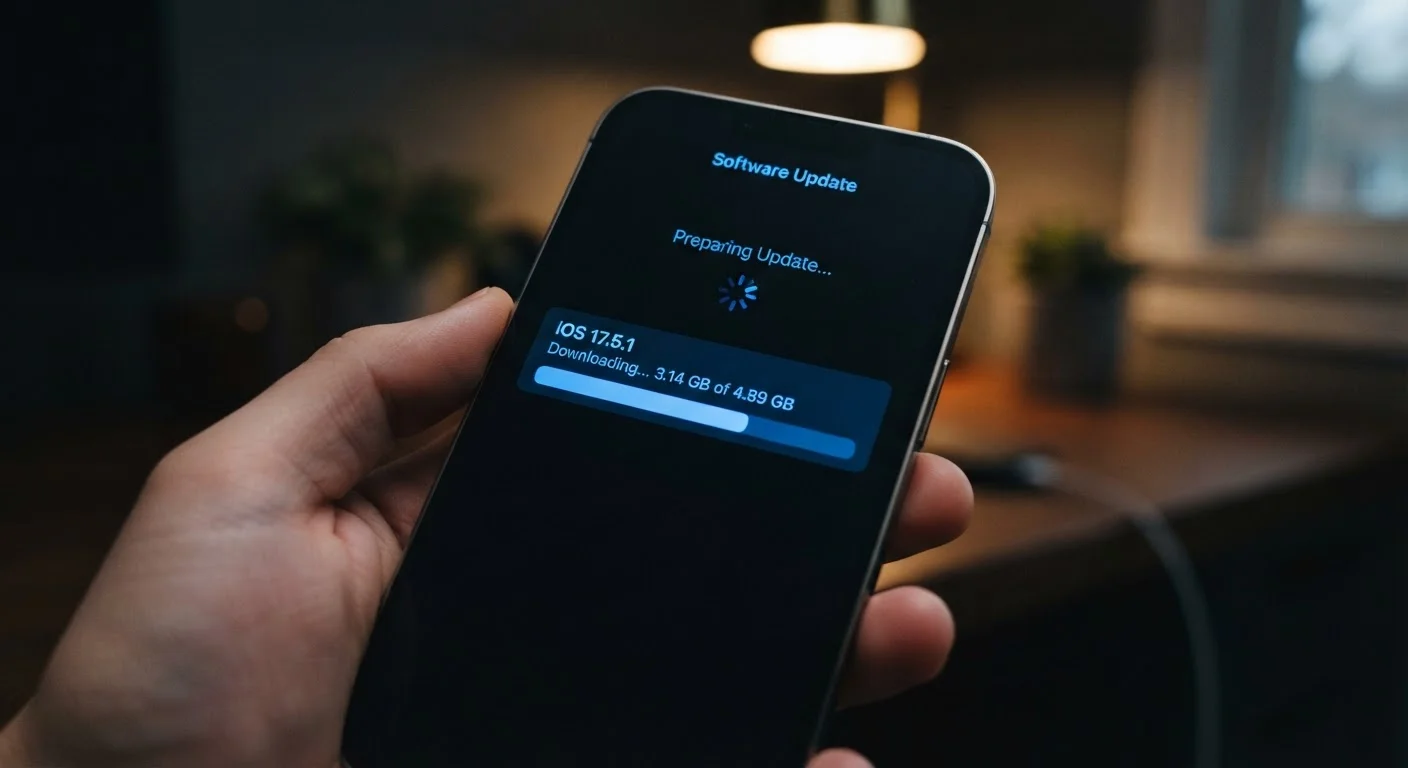
Photo credit: Infolagoon.com | Blogs To Rely On
In this article
Software updates do more than add new features. Here's what's actually changing under the hood and why delaying them can leave your phone exposed.
Key Takeaways
- Most software updates fix security holes, not just add new features.
- Skipping updates can leave your phone vulnerable to known, documented attacks.
- Performance improvements and bug fixes are also delivered through updates.
- Both Android and iOS release security patches separately from major version updates.
- Delaying updates is similar to ignoring routine maintenance — small risks compound over time.
What's Actually Changing When You Tap 'Install'
When your phone prompts you to install an update, it's not just cosmetic housekeeping. Behind the scenes, several things happen simultaneously. The device downloads a package of code changes from the manufacturer's servers, verifies that the package hasn't been tampered with, and then systematically replaces or patches specific files on your device. The restart you're asked to perform allows the new code to load cleanly from the ground up.
Updates typically address three distinct areas:
- Security vulnerabilities: Flaws in the operating system's code that could allow unauthorized access or data exposure are patched. These are often the most time-sensitive changes in any update.
- Bug fixes: Errors causing crashes, connectivity problems, or unexpected behavior are corrected. You may not notice these directly, but they contribute to a more stable daily experience.
- Feature additions or changes: New tools, interface refinements, or adjustments to existing functions are sometimes included — though these are often less frequent in smaller patch releases.
Security patches, in particular, are released on a regular cadence by both Apple and Google, often independently of major version upgrades. These patches address vulnerabilities that researchers or the companies' own security teams have identified — sometimes before attackers have exploited them, and sometimes in direct response to active threats.
Security Patches vs. Major Updates: Not the Same Thing
It's worth knowing that your phone may receive security patches without receiving a full OS version upgrade. These smaller updates are released more frequently and address specific vulnerabilities without changing how your phone looks or functions. Accepting them promptly is especially important because the fixes they deliver are time-sensitive.
Why Delays Create Real Risk
The moment a security update is publicly released, the vulnerability it fixes becomes documented — often in detail. Security researchers, developers, and unfortunately, malicious actors all have access to that information. Devices that haven't installed the patch are now running with a known, publicized weakness.
This is why consistent delays matter. A single postponed update might carry minimal individual risk. But a pattern of skipping updates accumulates exposure the same way deferred upkeep compounds over time — much like how ignoring small car repairs can lead to much larger mechanical failures down the road.
Common real-world consequences of running outdated software include:
- Vulnerability to malware that exploits patched system flaws
- Exposure to phishing techniques that take advantage of unpatched browser or app weaknesses
- Reduced compatibility with apps and services that require updated system libraries
- Missing fixes for privacy-related bugs — a concern worth pairing with a review of your phone's privacy settings
Schedule Updates for Low-Activity Times
If update prompts feel disruptive during the day, most phones allow you to schedule installation for overnight hours when the device is plugged in. Enabling automatic updates in your device settings is the simplest way to stay current without having to think about it. Check your phone's settings under 'Software Update' or 'System Update' to configure this.
How Updates Fit Into Long-Term Phone Health
Software updates aren't just a security matter — they're part of keeping a phone running well across its full lifespan. Manufacturers frequently use updates to improve battery management algorithms, optimize how the processor handles workloads, and reduce memory usage. These changes can extend both the performance and practical longevity of your device without any hardware changes at all.
If you're trying to keep your smartphone running well for longer, staying current with updates is one of the most straightforward habits you can build. It requires minimal effort and delivers meaningful protection and stability in return.
One practical consideration: major OS updates — particularly those that introduce an entirely new version of Android or iOS — occasionally affect how certain apps behave. If you rely on specific apps for work or daily tasks, checking whether those apps have been updated to support the new OS before installing is a reasonable precaution. For a side-by-side look at how the two major platforms handle updates differently, see how Android and iOS differ in daily use.
~30 days
Typical monthly security patch release cycle
Both Google and Apple release security patches on a regular monthly schedule, addressing newly discovered vulnerabilities across their platforms.
40%+
Share of Android devices running outdated OS versions
Industry analyses have consistently found that a significant portion of active Android devices are running software versions that no longer receive security patches, due to varying manufacturer support timelines.
The consistent takeaway from security research is straightforward: keeping software current is one of the most effective and lowest-effort steps available for protecting a personal device. It doesn't require technical knowledge — just a willingness to let the update run.
Frequently Asked Questions

Author
Tech & Gadgets Editorial Team
Tech & Gadgets Editorial Team is the collective byline for our editorial team and contributor network. Articles published under this byline or an editorial pen name are researched, written, and reviewed according to our editorial standards for clarity, consistency, and independence before publication.
View all articles →