
Home Automation vs. Remote Control: Understanding the Real Difference
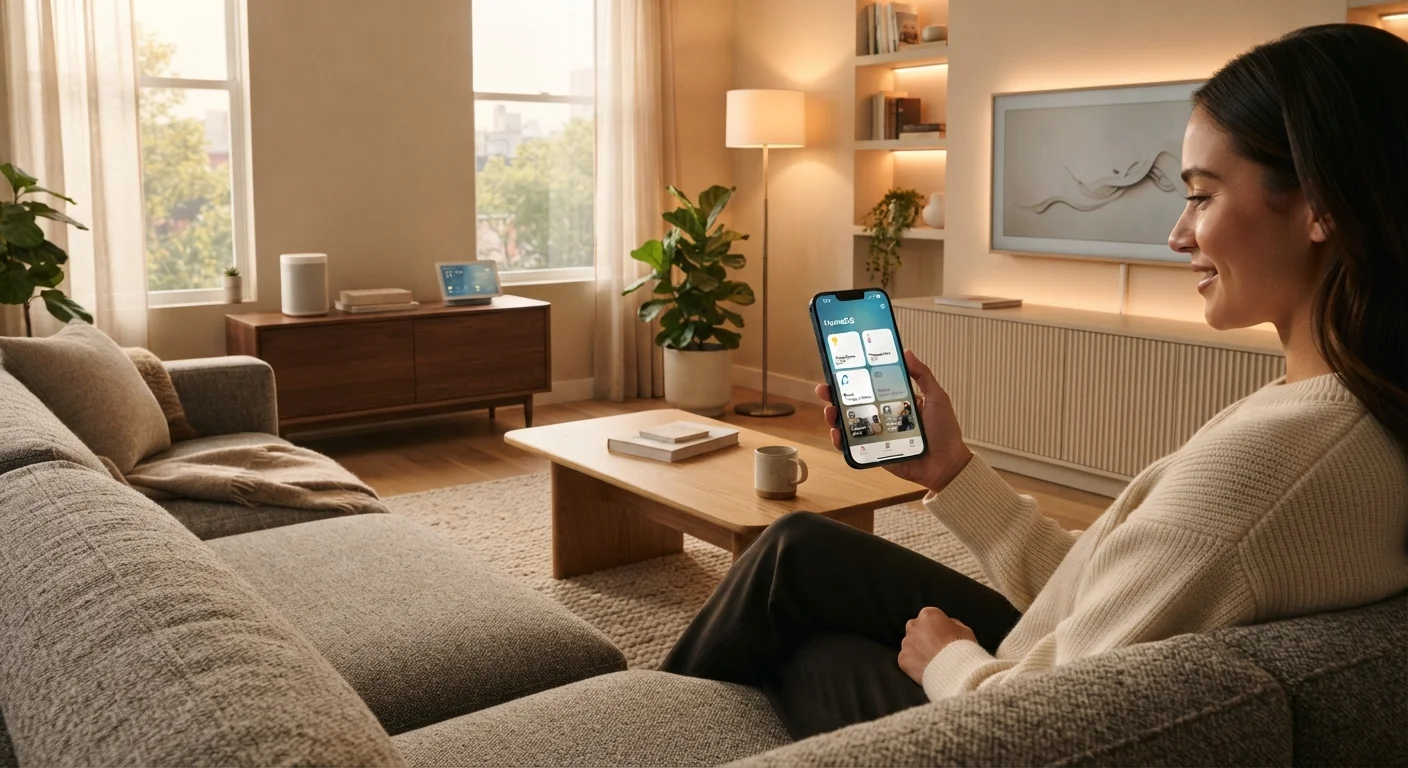
Photo credit: Infolagoon.com | Blogs To Rely On
In this article
Controlling a light from your phone isn't automation — it's remote control. Learn what true home automation involves and how the two approaches compare.
Key Takeaways
- Remote control means you initiate every action — even from an app on your phone.
- Home automation means the system acts on its own, triggered by schedules, sensors, or conditions.
- Most smart home setups include both approaches, often without users realizing the distinction.
- Automation requires more setup time but reduces the need to interact with devices daily.
- Neither approach is inherently better — they solve different problems in a household.
The Core Distinction: Who (or What) Initiates the Action
When you open an app and tap a button to switch off a lamp two rooms away, that feels futuristic — but technically, it's remote control. You decided. You acted. The device responded. The technology changed where you can be when you issue a command, not whether a command is needed.
Home automation is different in one critical way: no human triggers it in the moment. Instead, a rule or condition does. The thermostat lowers at 10 p.m. because you programmed a schedule. The porch light turns on because a motion sensor fired. The door lock engages because everyone's phone left the house. You set the logic once; the system handles execution indefinitely.
This distinction matters because marketers frequently use "smart" and "automated" interchangeably — even when a product does nothing more than accept commands from your phone. Understanding what 'smart home' actually means helps you evaluate what a device genuinely offers before you buy or configure it.
| Criterion | Remote Control | Home Automation |
|---|---|---|
| Who triggers the action | You, manually each time | A rule, schedule, or sensor |
| Setup complexity | Low — install app, use device | Higher — requires rules and logic |
| Ongoing effort | Required every time | Minimal once configured |
| Flexibility | High — act on any whim | Moderate — rules need updating |
| Consistency | Depends on your memory | High — happens without reminders |
| Typical use case | Lights, locks, plugs on demand | Schedules, security, energy routines |
How Each Approach Works in Practice
Consider a smart light bulb. Out of the box, most let you toggle it, dim it, or change its color using an app or voice assistant. That's remote control — convenient, but dependent on your input every time. If you forget to turn it off before bed, it stays on.
Add a rule that says "turn off all lights at 11 p.m. unless motion is detected" and now the same bulb is participating in automation. The outcome no longer depends on your memory or attention. The same hardware is involved; what changed is the layer of logic controlling it.
Full home automation often chains multiple devices and conditions together. A common example: when the last person leaves home (detected via smartphone location), the system locks the doors, sets the thermostat to an energy-saving mode, and turns off all non-essential lights — simultaneously, without anyone pressing a button. For a broader view of what's possible, everyday uses for smart home technology that often get overlooked covers practical applications many households never think to try.
~60%
Smart home users primarily use remote control
Industry surveys consistently find the majority of smart device owners use manual app or voice control far more often than automated routines.
1 in 3
Smart device owners who set up automations
Despite automation being a core selling point, a significant share of connected-device owners never configure a rule or schedule beyond basic app control.
Setup Complexity and Real-World Trade-Offs
Remote control has a low barrier to entry. Install a smart plug, connect it to an app, and you're done in minutes. The trade-off is that you're still the one doing the work every time — just from a different interface.
Automation requires deliberate setup: defining triggers (time, sensor input, location), conditions (only if no one is home), and actions (which devices respond and how). That investment of time pays off through consistency — but it also means you need to revisit rules when your household routines change, or when devices are added or removed.
One often-overlooked factor is reliability. Wireless smart devices depend on network connectivity, and an automation that fails silently — because the hub lost power or the Wi-Fi dropped — can be more disruptive than simply forgetting to act manually. Wired vs. wireless smart home devices explores how connectivity choices affect dependability across the whole setup.
Privacy is also worth considering. Automation systems that respond to location data, occupancy sensors, or usage patterns collect more behavioral information than a device you simply switch on manually. The privacy trade-offs of living with smart home devices walks through what that data collection typically involves and how to think about it.
Most households end up using both approaches — remote control for flexibility and occasional one-off actions, automation for the predictable routines that happen every day. For a full overview of how these pieces fit together, our end-to-end guide to smart home technology covers the complete landscape.
Automation Platforms Vary Widely
The depth of automation available depends heavily on the platform and devices you use. Some ecosystems support rich multi-device rules and third-party integrations; others limit automation to simple schedules within a single brand's app. Before investing in a system, check whether it supports the types of triggers and conditions that match your actual household needs.

Author
Tech & Gadgets Editorial Team
Tech & Gadgets Editorial Team is the collective byline for our editorial team and contributor network. Articles published under this byline or an editorial pen name are researched, written, and reviewed according to our editorial standards for clarity, consistency, and independence before publication.
View all articles →