
Everything You Need to Know About Smart Home Technology
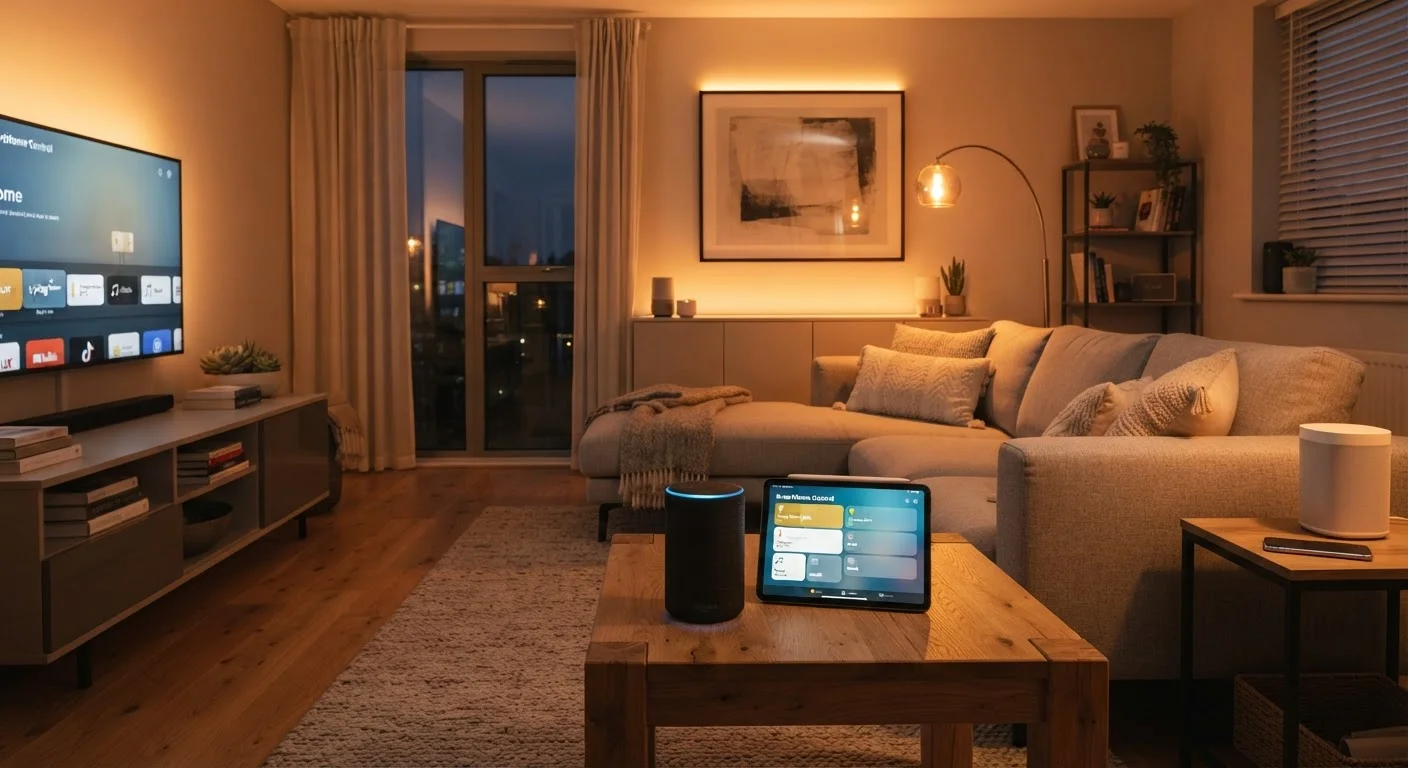
Photo credit: Infolagoon.com | Blogs To Rely On
In this article
From foundational concepts and protocols to security and ecosystem choices, this end-to-end guide covers the full landscape of connected home technology.
Key Takeaways
- Smart home devices communicate using several wireless protocols; matching them matters more than brand recognition.
- Ecosystems like Matter are making cross-brand compatibility more practical than ever before.
- Your home Wi-Fi network quality directly affects how reliably smart devices perform.
- Privacy and security settings deserve attention before and after any smart device is connected.
- Starting small with one or two devices is a reliable way to understand what works for your household.
What Is a Smart Home, Really?
A smart home is simply a living space where devices can connect to the internet and, often, to each other — allowing them to be monitored or controlled remotely, automated on schedules, or triggered by sensors and voice commands. The phrase covers an enormous range of products: from a single plug-in outlet you control from your phone to a whole-house system integrating lighting, climate, locks, cameras, and appliances.
What separates smart devices from ordinary electronics is connectivity and programmability. A regular light switch has two states — on and off. A smart switch can dim gradually at sunset, respond to a spoken command, or turn off automatically when nobody's home. That programmability is where the real convenience lives, but it's also where setup complexity enters the picture.
Before exploring any device category, it helps to understand that a smart home isn't an all-or-nothing project. You can add one device, learn from it, and expand at any pace. See our overlooked everyday uses for smart home tech to get a sense of where these tools genuinely add value in everyday life.
How Smart Home Devices Communicate
Smart devices use wireless communication protocols — standardized languages that allow gadgets to talk to your network and each other. Understanding the main ones removes much of the confusion around product descriptions.
69%
U.S. adults with at least one smart home device
According to Statista consumer surveys, smart home device ownership has become mainstream across U.S. households.
3–4
Major wireless protocols used in most homes
Wi-Fi, Zigbee, Z-Wave, and Bluetooth each serve different use cases; most households end up using more than one.
Matter
Cross-platform interoperability standard
The Matter standard, backed by Apple, Google, Amazon, and others, aims to make device compatibility brand-agnostic.
- Wi-Fi: Most familiar to consumers. Wi-Fi devices connect directly to your home router, require no extra hub, and tend to be easy to set up. The tradeoff is higher power draw, which makes Wi-Fi less practical for battery-powered sensors.
- Zigbee and Z-Wave: Low-power mesh protocols designed specifically for smart home use. Devices relay signals between themselves, extending range. Both typically require a separate hub or bridge device to connect to the internet.
- Bluetooth and Bluetooth Mesh: Works well for short-range, local control. Common in smart locks and speakers. Range limitations can be a constraint in larger homes.
- Thread: A newer, low-power mesh protocol designed for reliability. It underpins the Matter standard — an industry-wide effort to make devices from different manufacturers work together without brand-specific apps or hubs.
Your home Wi-Fi infrastructure matters more than most guides acknowledge. A congested 2.4 GHz band, weak signal in certain rooms, or an aging router can cause smart devices to behave erratically — making the technology feel unreliable when the real issue is the network beneath it.
Improve Network Reliability First
If your smart devices seem unreliable, check your router placement and Wi-Fi band congestion before assuming a device is faulty. Many smart home products default to the 2.4 GHz band, which can become crowded in dense neighborhoods. A Wi-Fi mesh system or a dedicated IoT network band can dramatically improve consistency.
Ecosystems and Voice Assistants Explained
An ecosystem is the collection of apps, hubs, and services that tie your smart devices together. The major ones are built around voice assistants — Amazon Alexa, Google Home, and Apple HomeKit being the most widely used in the United States. Each has a companion app that acts as a control center for compatible devices.
Historically, buying devices from different brands meant juggling multiple apps and facing compatibility gaps. The Matter standard, supported by all three major ecosystems, is gradually changing this. Matter-certified devices are designed to work across platforms, so a Matter-compatible light bulb should function with Alexa, Google Home, and HomeKit simultaneously.
Before committing to an ecosystem, check which one your most-used devices — router, phone, streaming devices — already support. Alignment here reduces setup friction significantly.
Ecosystem fragmentation is the leading source of smart home frustration; starting from existing infrastructure rather than buying into a new one from scratch saves time and money.
Prioritize devices that store data locally or give you explicit control over cloud sharing. This reduces both privacy exposure and dependency on a company's continued server operation.
Several smart home services have shut down over the years, rendering devices non-functional; local-first or Matter-compatible devices are more resilient to this scenario.
A practical way to choose an ecosystem: consider which voice assistant you already use on your smartphone or tablet, and start there. Switching later is possible but requires re-pairing devices.
Hubs — dedicated hardware devices that coordinate your smart home locally — add resilience. A setup that relies entirely on cloud servers can stop functioning during internet outages; a local hub keeps automations running regardless. Not every setup requires a hub, but for complex or reliability-critical configurations, one is worth considering.
Smart Home Security: What You Should Know
Connected devices expand what's possible in your home — and they also expand your network's attack surface. This doesn't mean smart home technology is inherently unsafe, but it does mean security hygiene matters from day one.
Default Passwords Are a Serious Risk
Many smart home devices and hubs ship with identical default usernames and passwords that are publicly listed in manufacturer documentation. Attackers routinely scan for devices still using these defaults. Change credentials on every new device immediately upon setup — before connecting it to anything else on your network.
Key practices that security researchers consistently recommend:
- Change default passwords immediately on any device or hub that ships with a preset credential.
- Keep firmware updated. Manufacturers regularly release security patches; many devices can auto-update, which is worth enabling.
- Use a separate network for smart devices. Most modern routers support a guest network or IoT VLAN. Isolating smart devices from the network where you bank and work limits the damage if a device is compromised.
- Review app permissions. Camera and microphone access on smart home apps should only be granted where genuinely necessary.
- Audit regularly. Remove devices and accounts you no longer use. Factory-reset devices before disposing of or selling them.
Before purchasing any device, our pre-purchase checklist covers compatibility and security considerations worth verifying in advance.
Building Your Setup Without Overcomplicating It
The most common smart home regret isn't buying the wrong device — it's buying too many devices too quickly before understanding how they interact. A staged approach tends to produce better results.
Start with a problem, not a product. Identify one friction point in your daily routine — lights you always forget to turn off, a thermostat you adjust constantly, a package that's arrived while you were away. Solve that one thing first and evaluate whether the technology actually helps before expanding.
Automations Require Some Upfront Configuration
Automation features — schedules, triggers, and routines — don't configure themselves out of the box. Plan to spend time in the app setting up the behaviors you want. Most platforms offer templates that simplify this, but the initial configuration investment is real and worth factoring into your expectations.
As your setup grows, consider how it fits into your broader home organization strategy. Smart home tech works best when it reduces clutter and decision fatigue, not when it adds complexity.
A few principles that tend to hold up across setups:
- Choose devices that support Matter or your chosen ecosystem's native protocol to reduce long-term compatibility risk.
- Invest in a capable router before buying more devices — network quality has an outsized effect on reliability.
- Document your setup: which devices are on which network, what automations you've created, and what app manages each device. This saves significant troubleshooting time later.
- Revisit security settings every few months as you add new devices.
Smart home technology is most useful when it fades into the background — handling routine tasks so you don't have to think about them. Getting there takes some upfront effort, but the foundation concepts in this guide give you the vocabulary and framework to make confident, informed choices at every step.
Matter Developer Documentation
The official resource from the Connectivity Standards Alliance explaining how Matter works and which devices support it. Useful for verifying compatibility before purchasing.
FTC Smart Home Privacy Guidance
The Federal Trade Commission publishes consumer guidance on IoT privacy and security. A plain-language resource for understanding your rights and risks with connected devices.
Wi-Fi Alliance Home Networking Tools
The Wi-Fi Alliance provides educational resources and certified product lists to help consumers identify routers and devices that meet current reliability and security standards.

Author
Tech & Gadgets Editorial Team
Tech & Gadgets Editorial Team is the collective byline for our editorial team and contributor network. Articles published under this byline or an editorial pen name are researched, written, and reviewed according to our editorial standards for clarity, consistency, and independence before publication.
View all articles →