
Mistakes That Shorten a Laptop's Life Faster Than Age Does
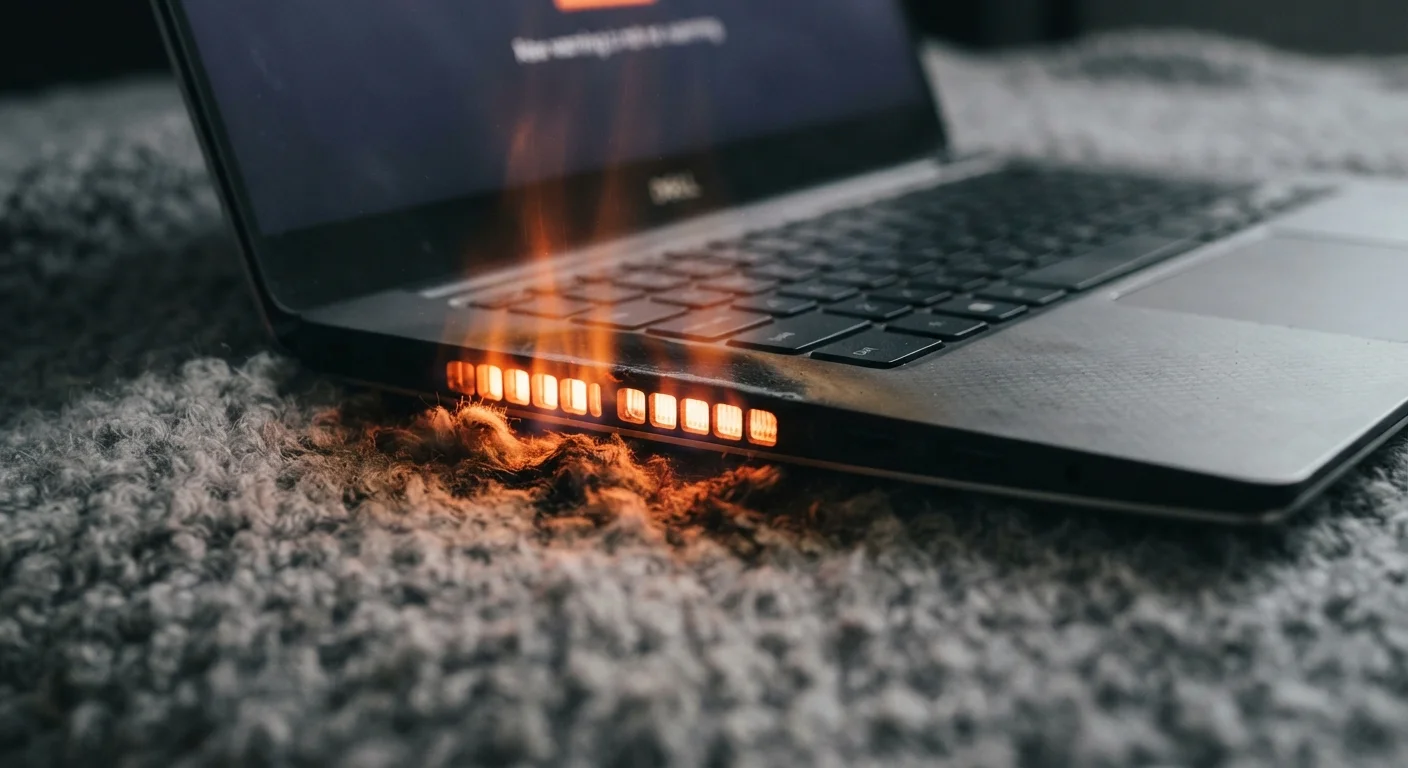
Photo credit: Infolagoon.com | Blogs To Rely On
In this article
Heat, charging habits, and software neglect do more damage than years of normal use. Learn which common habits quietly wear out a laptop ahead of schedule.
Key Takeaways
- Heat is the single biggest accelerant of hardware failure in laptops — ventilation matters daily.
- Keeping a laptop plugged in at 100% charge consistently degrades the battery faster than normal use.
- Skipping software updates leaves security gaps and lets background processes quietly drain performance.
- Physical handling habits — like closing the lid on cables — cause damage that adds up invisibly over time.
Why Habits Hurt More Than Hardware Age
Most laptops are engineered to last several years under reasonable conditions. When they fail early, the cause is rarely a manufacturing defect or simple aging — it's a pattern of everyday habits that quietly compound into serious damage. Understanding which behaviors create the most stress on your machine is the first step toward getting a longer, more reliable run out of it.
As our guide on why laptops slow down over time explains, degradation often has specific, addressable causes. The same logic applies to premature hardware failure — it's rarely mysterious.
Using a laptop on soft surfaces that block the bottom vents.
Why it happens: Beds, couches, and laps are natural places to use a portable machine, and most people don't realize the bottom panel is where hot air exits.
Leaving the laptop plugged in at 100% charge indefinitely.
Why it happens: It feels intuitive to keep a device "fully charged" for maximum readiness, and older battery technologies rewarded this habit. Modern lithium-ion batteries are harmed by it.
Skipping operating system and driver updates for months at a time.
Why it happens: Updates interrupt work, and many users dismiss or postpone them indefinitely. Some fear updates will change their workflow or slow the machine.
Closing the laptop lid on cables, headphones, or other objects.
Why it happens: It's an easy habit when shutting down quickly. The damage — pressure on the screen and hinge — is invisible at first, then suddenly permanent.
Never cleaning the vents or fan intakes.
Why it happens: Dust buildup is invisible and gradual. Most users don't think about internal cleanliness unless the laptop already sounds loud or feels hot.
Running heavy tasks while the laptop sits in a hot environment.
Why it happens: Ambient temperature is easy to overlook when the task at hand feels more urgent. A laptop running a video export in a hot car or direct sunlight is under extreme compounded thermal stress.
What the Data Tells Us About Laptop Longevity
Battery health and thermal damage are the two most documented causes of early laptop retirement among consumer devices. Research from battery chemistry studies consistently shows that lithium-ion cells degrade faster when routinely kept at full charge or exposed to sustained heat — both of which are extremely common laptop habits.
~20%
Battery capacity lost per year at high charge levels
Battery University research on lithium-ion chemistry suggests cells kept near 100% charge in warm conditions can lose roughly 20% capacity within a year.
10°C
Temperature rise that roughly halves component lifespan
A widely cited principle in electronics engineering holds that every 10°C increase in sustained operating temperature can approximately halve the longevity of sensitive components.
3–5 years
Typical laptop lifespan under average consumer use
Industry estimates generally place average laptop replacement cycles at three to five years, though this varies significantly based on use patterns and maintenance habits.
For a broader look at how thin and light designs can compound these risks, see the hidden trade-offs of ultra-thin laptops. Compact machines with restricted airflow face steeper thermal challenges from day one.
Building Habits That Protect Your Investment
Avoiding these mistakes doesn't require technical expertise — most of the corrective habits take less than a minute each day. Keeping vents clear, adjusting charge settings, staying current on updates, and handling the machine carefully are all low-effort actions with measurable long-term payoffs.
Compressed Air Has Limits — Use It Carefully
When clearing vents with compressed air, hold the can upright to avoid spraying liquid propellant into the machine. Never insert anything into the vents. If you suspect heavy internal dust buildup is causing persistent overheating, a qualified repair technician can safely open and clean the interior — attempting this yourself without experience risks voiding warranties or damaging components.
For a more complete maintenance framework, keeping your computer running well covers the full range of upkeep habits worth building — from storage hygiene to security routines. If you're also thinking about how specs influence longevity, common spec misconceptions is worth a read before your next purchase.

Author
Tech & Gadgets Editorial Team
Tech & Gadgets Editorial Team is the collective byline for our editorial team and contributor network. Articles published under this byline or an editorial pen name are researched, written, and reviewed according to our editorial standards for clarity, consistency, and independence before publication.
View all articles →