
Tablet or Laptop: Which One Fits How You Actually Work and Play
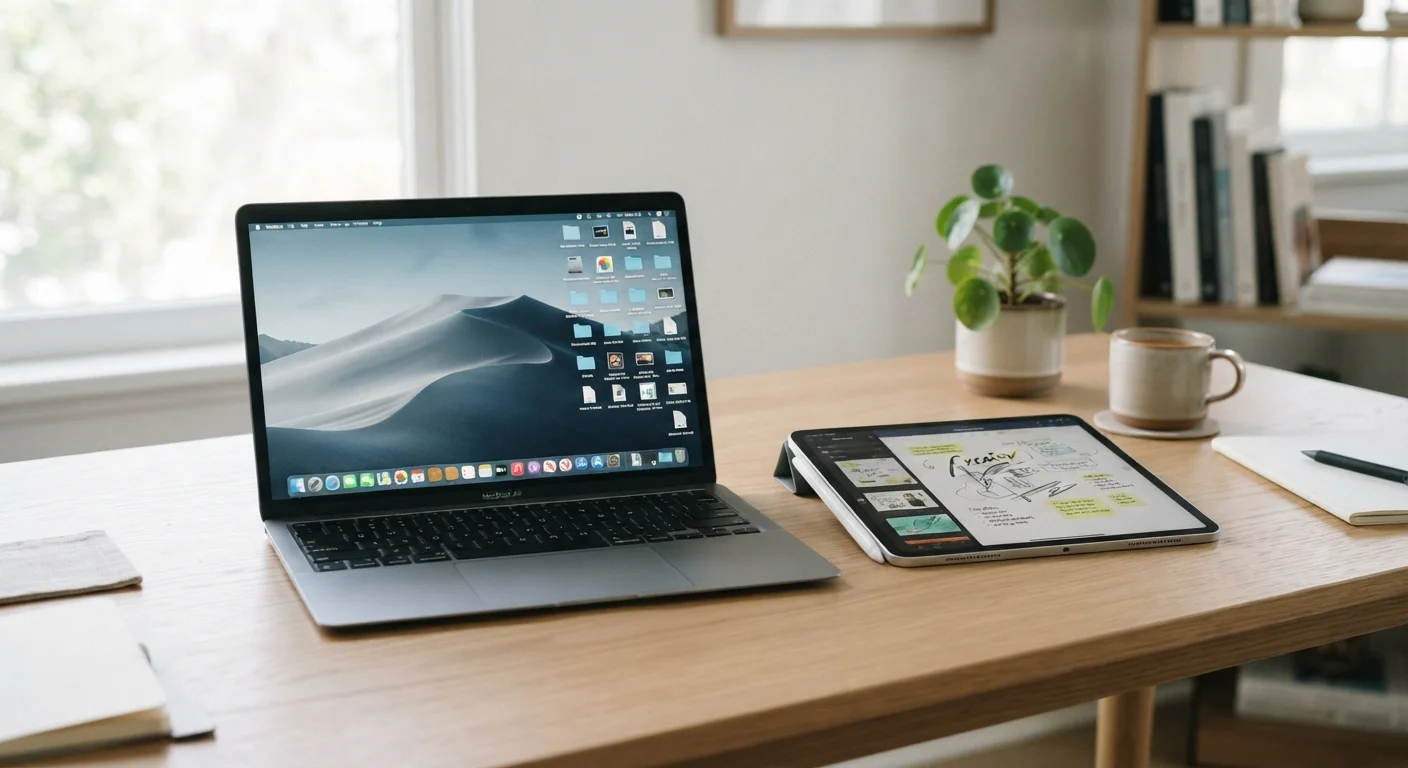
Photo credit: Infolagoon.com | Blogs To Rely On
In this article
Tablets and laptops overlap more than ever, but they're not the same. This guide helps you figure out which suits your real-world habits.
Key Takeaways
- Tablets excel at media consumption, casual browsing, and portability; laptops handle heavier work tasks more reliably.
- Touch-first design on tablets feels natural for some tasks but awkward for others like long-form writing or spreadsheets.
- A laptop's file system and desktop software ecosystem still give it an edge for productivity-heavy workflows.
- For many people, the right choice depends on how much they type, not how much they watch or browse.
- Some users genuinely need both; others find a single device handles 90% of what they do.
Why This Choice Is Harder Than It Used to Be
Ten years ago, tablets were clearly media devices and laptops were clearly work machines. That line has blurred significantly. Tablets now support detachable keyboards and stylus input. Laptops have grown thinner and lighter than ever. Tablet operating systems handle more productivity tasks than they once did.
But blurred lines don't mean no lines. Understanding where the real differences still live — in how each device handles your daily habits — is what helps you make a confident decision. This isn't about specs. It's about fit.
If you're also weighing a laptop against a full desktop setup, our guide to desktop vs. laptop trade-offs covers that separate decision in detail.
What Tablets Do Better
Tablets shine in a handful of specific situations that laptops handle less gracefully:
- Casual content consumption: Watching video, reading articles or e-books, scrolling social feeds — a tablet's touchscreen and light weight make these feel effortless. Holding one on the couch or in bed is far more comfortable than balancing a laptop.
- Portability without bulk: A tablet slips into a bag — or even a large jacket pocket — without the weight of a full laptop. For commuters, travelers, or anyone who hates a heavy bag, this matters daily.
- Touch-first apps: Drawing, annotating documents, interactive learning apps, and certain games are genuinely better on a touch screen with a stylus than on a trackpad.
- Battery longevity: Many tablets offer all-day battery life with lighter hardware demands. Passive reading or video playback can stretch considerably further than on most laptops under equivalent use.
Tablet with Keyboard: A Middle Ground Worth Considering
A tablet paired with a keyboard accessory can genuinely cover both use cases for lighter workloads — note-taking, email, casual writing, and media. The trade-off is that it rarely matches a laptop's comfort for sustained typing or the depth of its software ecosystem. Think of it as a hybrid for moderate needs, not a full replacement for either device.
If you primarily use a tablet with a keyboard attached, pay attention to whether the operating system supports the apps you actually need — not just mobile versions of them. Some workflows require full desktop software that tablet operating systems don't yet support.
What Laptops Do Better
Despite improvements in tablet software, laptops still have meaningful advantages for a wide range of tasks:
- Typing comfort: A built-in, full-travel keyboard makes sustained writing — emails, reports, essays, code — faster and less fatiguing than any tablet keyboard accessory.
- File management: Laptops offer a full file system you can navigate, organize, and search the way you expect. Tablets manage files more abstractly, which frustrates users who work with many document types or move files between apps regularly.
- Desktop software: Professional tools in areas like video editing, accounting, design, and development typically run on laptop operating systems. Many have mobile counterparts, but they're often stripped-down. See our article on how Windows, macOS, and ChromeOS differ for context on what each platform offers.
- Multitasking: Running multiple windows side by side, switching between a browser and a document, or keeping several apps open at once still works more fluidly on a laptop.
| Tablet | Laptop | |
|---|---|---|
| Typing comfort | Requires accessory keyboard | Built-in full keyboard |
| Portability | Very light, fits in a bag easily | Heavier, requires a bag |
| Touch interaction | Native, intuitive | Available but not primary |
| Full desktop software | Limited or unavailable | Full access |
| File management | Abstract, app-based | Full file system access |
| Battery life (light use) | Typically longer | Varies; often shorter |
| Multitasking | Improving but limited | Strong, well-established |
| Media consumption | Excellent | Good but less ergonomic |
One thing worth noting: laptop specs can be misleading. More processing power doesn't always translate to a noticeably faster experience for everyday tasks. Our breakdown of common laptop spec myths explains what numbers actually matter for typical use.
The Questions That Actually Decide It
Rather than picking a side, ask yourself these practical questions:
- How much do you type each day? If you write more than a few short messages, a physical keyboard makes a real difference — and a laptop's built-in keyboard will always outperform a tablet accessory.
- Do you need specific software? Think about the apps you use for work, school, or hobbies. If those apps only exist in full form on a desktop operating system, a laptop is likely necessary.
- Where do you use your device most? At a desk, a laptop is more comfortable. On a couch, in a car, or in bed, a tablet wins on ergonomics and convenience.
- What's your budget range? Capable tablets with keyboard accessories can compete with entry-level laptops on price. Mid-range and above, both categories offer strong options — but laptops tend to offer more raw capability for the dollar in productivity contexts.
Some people genuinely need both — a phone or tablet for on-the-go tasks and a laptop for focused work. But many consumers discover that one device handles the overwhelming majority of what they actually do, which makes the decision simpler than it first appears.
If a laptop seems like the right fit and you're considering a secondhand option to save money, our guide to buying a used or refurbished laptop walks through what to check before committing.

Author
Tech & Gadgets Editorial Team
Tech & Gadgets Editorial Team is the collective byline for our editorial team and contributor network. Articles published under this byline or an editorial pen name are researched, written, and reviewed according to our editorial standards for clarity, consistency, and independence before publication.
View all articles →